Any phone, any browser
Built for Android → Mac, and works with any phone or tablet. Scan a QR code — nothing to install.
For Mac · Works with any phone or tablet
AirDrop never reached Android, so we built MacDrop: a tiny menu-bar app that sends large videos and files from any phone or tablet to your Mac over your own Wi-Fi. No cloud, no account, no size limits.
Free 7-day trial · One-time purchase · Install on up to 3 Macs
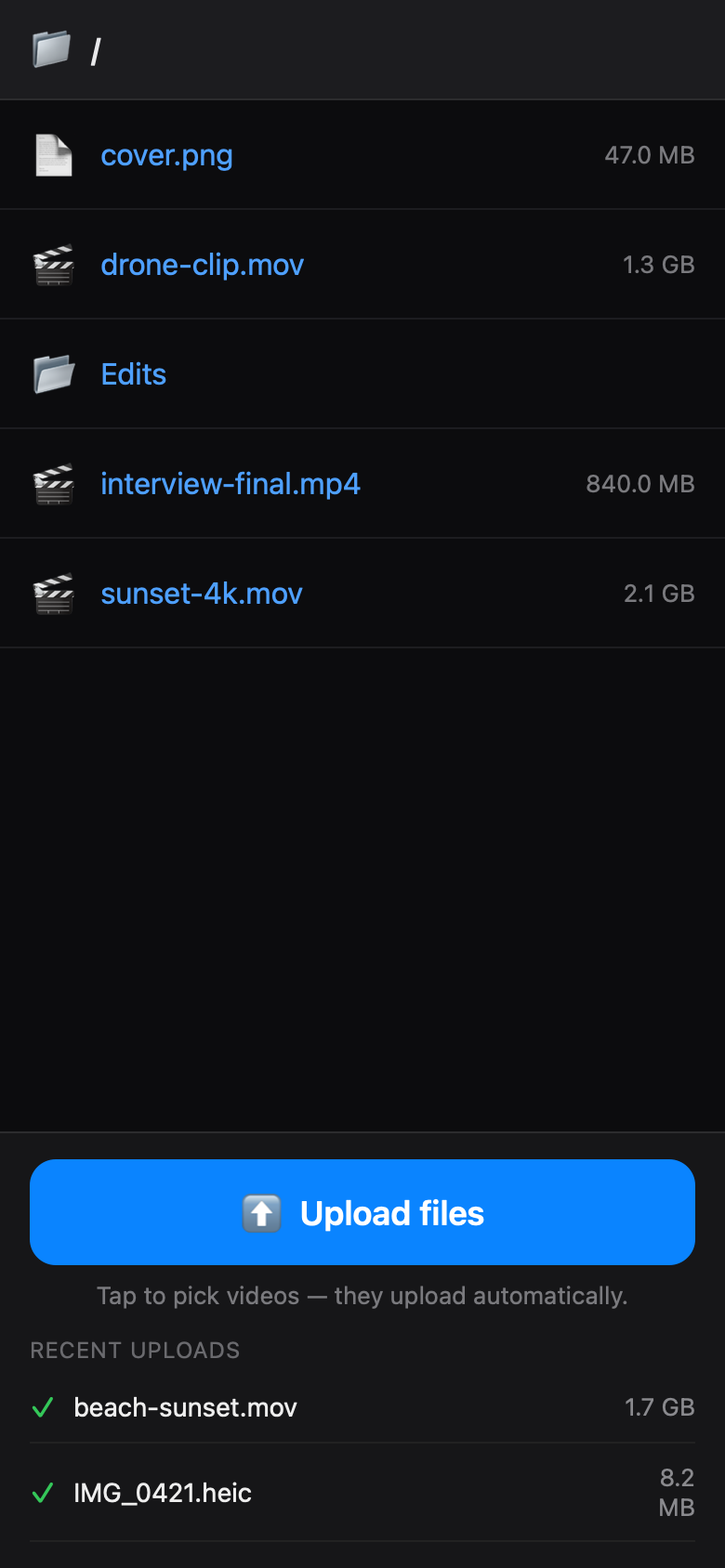

Cloud uploads are slow, compress your footage, and need an account. Cables are clumsy. MacDrop just moves the file across your Wi-Fi — full quality, nothing uploaded anywhere.
Features
Built for Android → Mac, and works with any phone or tablet. Scan a QR code — nothing to install.
Multi-gigabyte videos stream straight to disk. No compression, no caps.
Files go device-to-Mac over Wi-Fi. Nothing touches the cloud.
A code gates access. Turn on HTTPS encryption if you want it.
A live device list and upload history, right in the menu bar.
Signed, hardened, Gatekeeper-clean. Quietly lives in your menu bar.
How it works
Click the MacDrop menu-bar icon and choose where files land.

Open the QR code, scan it, enter the PIN.
Files land on your Mac — full quality, instantly.
No cloud servers. No accounts. No tracking. MacDrop sends files straight from your phone to your Mac across your own Wi-Fi — and that's it.
Pricing
$12 one-time — buying opens shortly.
One-time purchase. No subscription.
FAQ